
Documents, written together.
A full document editor in your browser that opens straight from your Drive, reads and writes the Word files your clients send you, and edits the words inside a PDF.
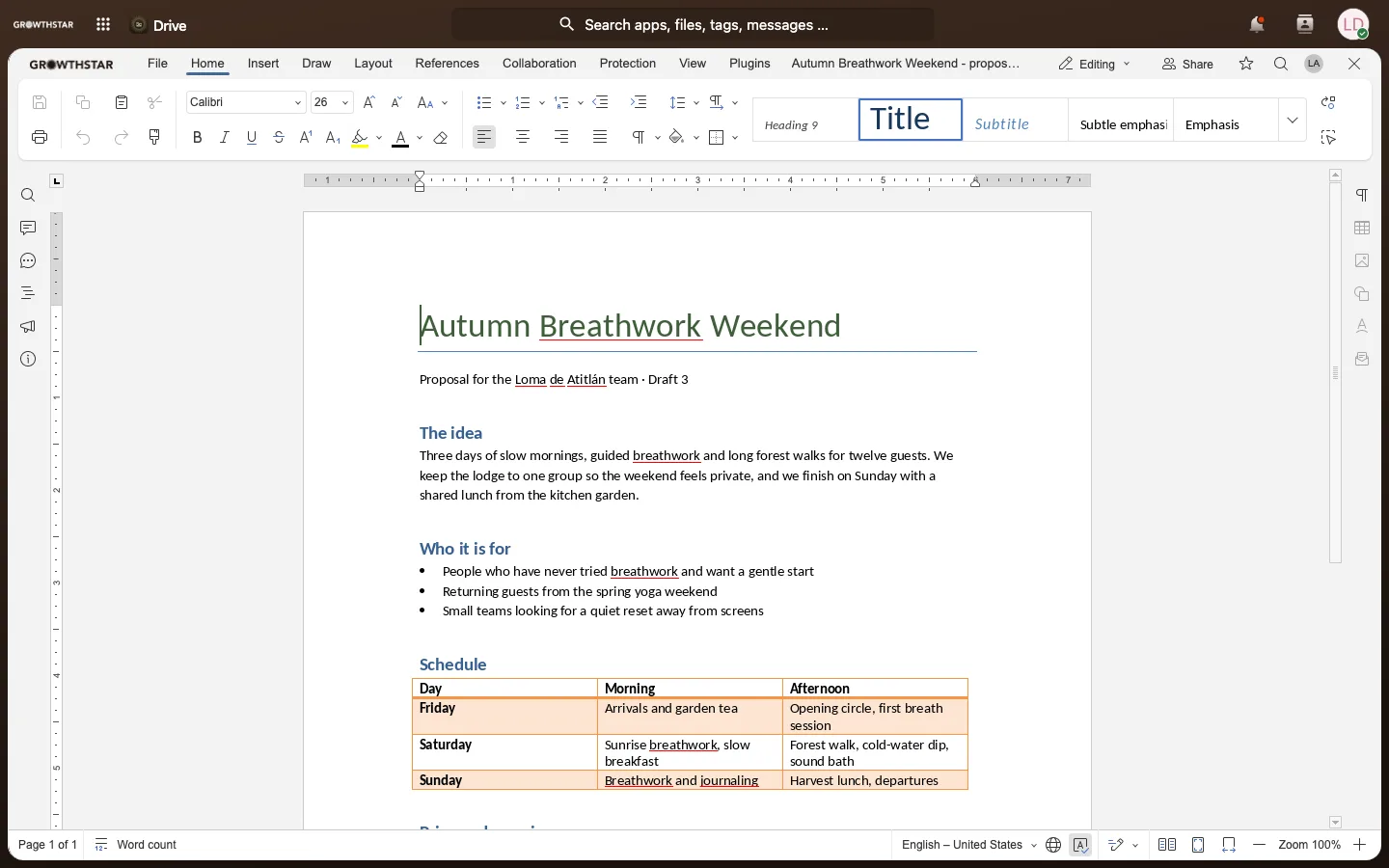
What you can do with Docs
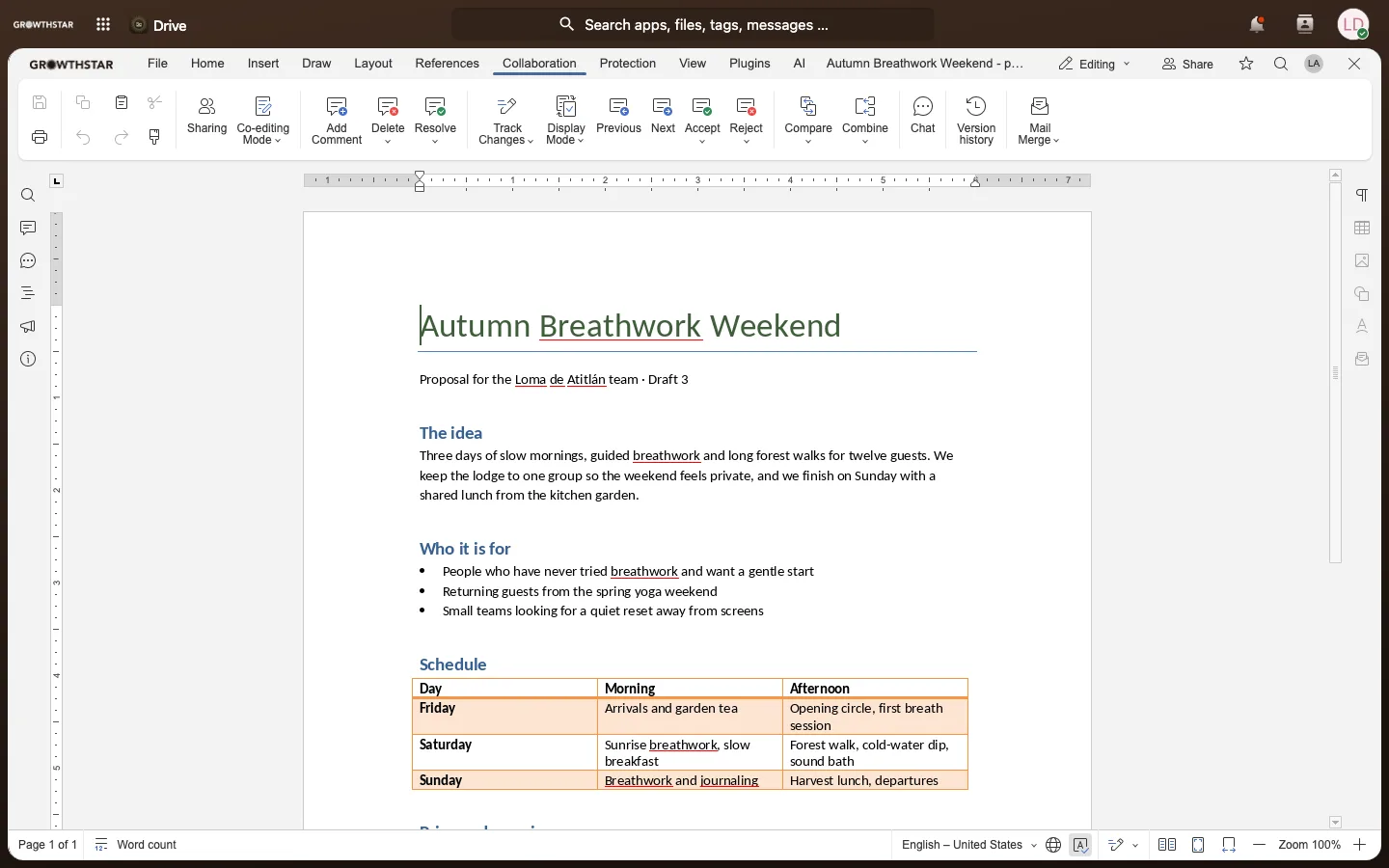
Comments and tracked changes
Leave comments, suggest edits and accept or reject them, the way a review should work.
- Edit at the same time
- Work in the same document at the same moment as your team and watch each other’s changes appear.
- The format clients use
- Opens and saves .docx, so nothing needs converting before it goes out.
- Export to PDF
- Turn any document into a PDF ready to send.
- Edit a PDF
- Open a PDF from your Drive, change its words, add, turn or remove pages and save it back, with the earlier version kept.
- Your own AI, inside the editor
- Connect the AI account you already pay for and summarize, translate or chat about your writing without leaving the page.
What Docs replaces, and what it costs elsewhere
| Instead of | Their price | For 10 people |
|---|---|---|
| Google Workspace Business Starter$7 per person a month | $7 per person a month | $70a month |
| Microsoft 365 Business Basicweb and mobile apps$7 per person a month | $7 per person a month | $70a month |
Prices from each company’s own pricing page on 25 September 2026, in US dollars, for yearly billing unless noted.
Moving in? The GROWTHSTAR Workspace course has a chapter on bringing over your files, calendar, contacts and email, one step at a time.
$99a month
for Docs and the whole suite
- Every tool on growthstar.app, for everyone on your team. There is no price per person.
- 1 TB of storage included, then $20 a month for each extra TB.
- You own your data, and you can take all of it with you.
- Partners pay it from their Growth Fund, the money set aside each month to grow the business.
Learn it
Learn Docs step by step.
Short lessons on learn.growthstar.app, open to your whole team with no account needed.
- GROWTHSTAR WorkspaceMail, Drive, Docs, Sheets, Slides, Calendar and Contacts on one account: set up, everyday use, and moving in from Google or Microsoft.13 lessons
- GROWTHSTAR Docs: PDFs and AIEdit PDFs in your Drive and connect the AI you already pay for to your documents: summarize, translate and chat without leaving the editor.4 lessons
Where it fits in the suite
- GROWTHSTAR DriveEvery document is a file in your Drive, shared and synced like any other.
- GROWTHSTAR MailSend a link to the living document instead of attaching a copy that goes stale.
- GROWTHSTAR RoomCopy drafted in your strategy room becomes a document your team can finish.
Your data is never sold. Docs is built on open-source software and runs on dedicated hardware in a data center powered by 100% renewable electricity. Why that matters

For GROWTHSTAR partners
Bring Docs into your business.
GROWTHSTAR Docs is part of the suite our partners work in every day. Tell us about your business and we will show you where it fits.